Blogs
Top 20 Must-Have WordPress Plugins for Every Website in 2026 (Essential Guide)


Discover the top 20 must-have WordPress plugins for 2026 to boost performance, security, SEO, design, and conversions. Perfect for bloggers, businesses, and creators.
Top 20 Must-Have WordPress Plugins for Every Website in 2026
WordPress powers over 40% of the internet — but the real magic happens when you install the right plugins. Whether you run a blog, online store, portfolio, or business website, choosing the best plugins can dramatically improve speed, security, SEO, and user experience.
In this guide, you’ll discover the top 20 must-have WordPress plugins for every website in 2026 — carefully selected for functionality, performance, and reliability.
💡 Tip: Only install what you need. Too many plugins can slow down your website.
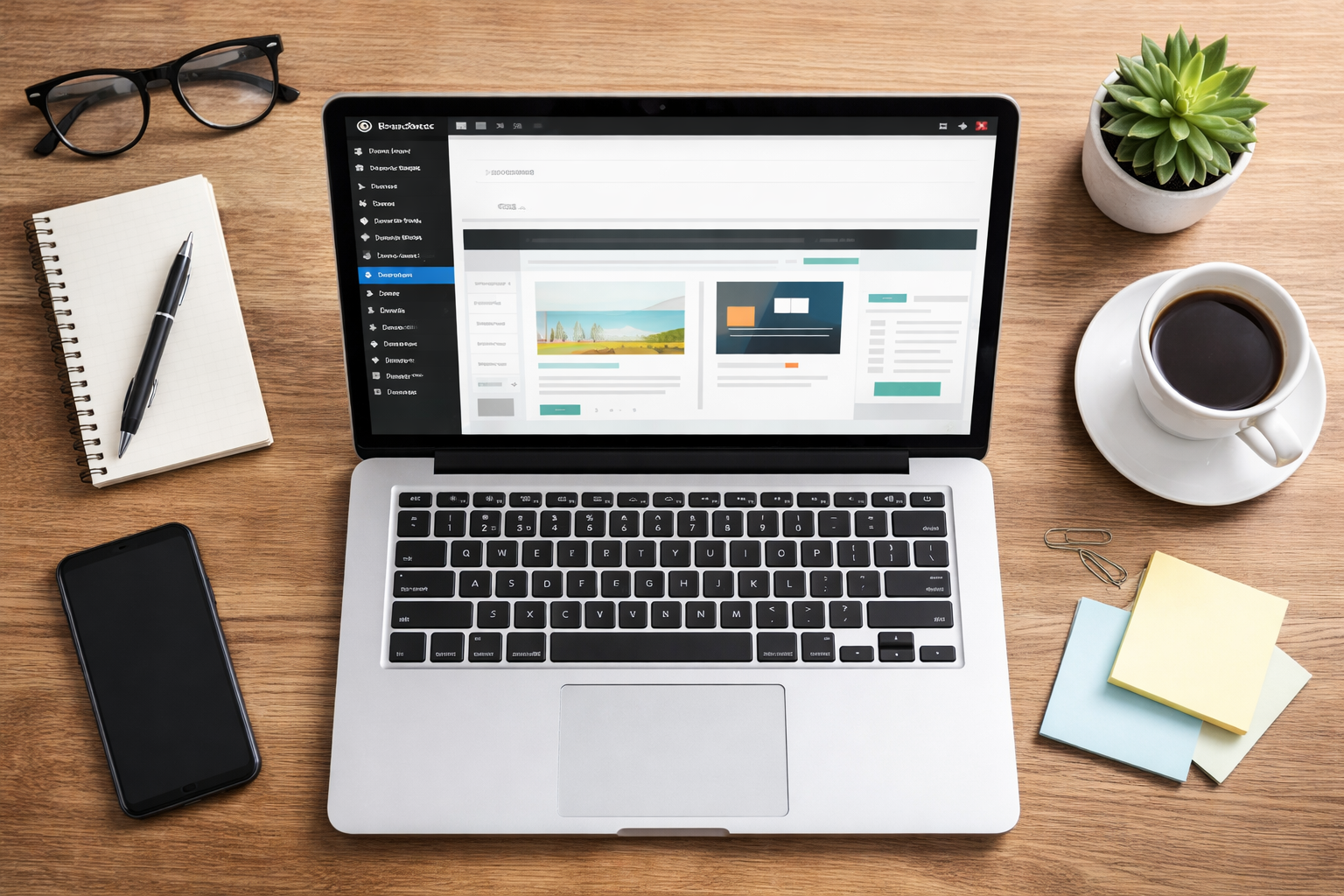
- Yoast SEO — Optimize Your Content for Search Engines
Yoast SEO remains the gold standard for on-page SEO. It helps you optimize keywords, meta tags, readability, and schema markup.
Best for: Bloggers, businesses, content creators
Key features:
- Real-time SEO analysis
- XML sitemaps
- Internal linking suggestions
- Schema integration
- Rank Math — A Powerful SEO Alternative
Rank Math is another top-tier SEO plugin with built-in analytics and automation tools.
Why users love it:
- Lightweight
- AI-powered content tools
- Google Search Console integration
- WP Rocket — Lightning-Fast Speed Optimization
Speed matters more than ever in 2026. WP Rocket caches your site, reduces load times, and boosts Core Web Vitals.
Top benefits:
- Page caching
- Database cleanup
- Lazy loading
- LiteSpeed Cache — Best Free Speed Plugin
If your host supports LiteSpeed, this plugin delivers exceptional performance — free.
- Akismet Anti-Spam — Keep Comments Clean
Say goodbye to spam comments. Akismet filters bots before they clutter your site.
- Wordfence Security — Protect Against Threats
Security should never be optional. Wordfence offers real-time protection and firewall controls.
- UpdraftPlus — Automatic Backups
Always back up your website — just in case. UpdraftPlus makes it easy.
Supports backups to:
- Google Drive
- Dropbox
- OneDrive
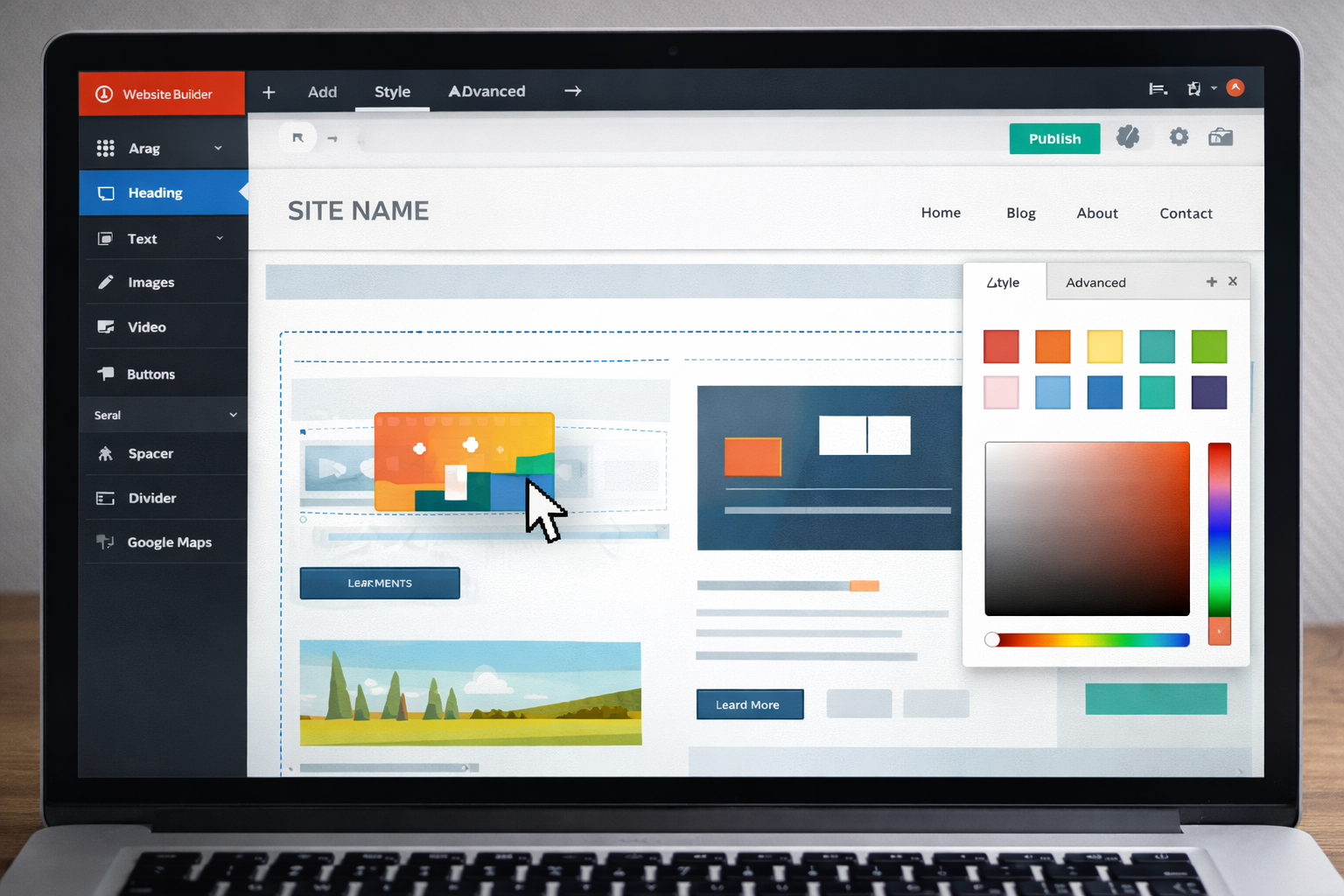
- Elementor — Drag-and-Drop Page Builder
Design beautiful pages without coding using Elementor’s visual editor.
- Spectra — Lightweight Gutenberg Enhancer
Perfect for users who prefer the native WordPress block editor.
- WooCommerce — Build an Online Store
Sell physical or digital products with this powerful eCommerce platform.
- MonsterInsights — Google Analytics Made Simple
Track visitors and performance right inside your dashboard.
- WPForms — Easy Form Builder
Create contact, survey, or newsletter forms in minutes.
- MailPoet — Email Marketing Inside WordPress
Manage newsletters without a separate platform.
- Redirection — Manage 301 Redirects
A must-have for SEO and broken-link prevention.
- Smush — Optimize Images Automatically
Reduce image file sizes without losing quality.
- ShortPixel — Advanced Image Compression
Perfect for high-traffic media sites.
- Broken Link Checker — Fix Dead Links
Great for improving SEO and user experience.
- TablePress — Create Beautiful Tables
Display data in a clean, responsive layout.
- Pretty Links — Manage Affiliate URLs
Track clicks and create clean links.
- Schema Pro — Enhance Search Visibility
Add structured data to help Google better understand your site.

How to Choose the Right Plugins (Without Slowing Your Site)
Here’s a simple rule:
✔ Only install plugins you truly need
✔ Keep them updated
✔ Delete inactive plugins
✔ Choose reputable developers
Performance + security = long-term success.
Final Thoughts: Build a Smarter WordPress Site in 2026
The right plugins can transform your WordPress website from “just okay” into fast, secure, and search-engine friendly. Whether you’re running a personal blog or a growing online business, these top 20 must-have WordPress plugins for 2026 will help you save time, improve performance, and deliver a better experience for your audience.
If you haven’t already — start with the essentials like SEO, caching, backups, and security, then add tools to enhance design and functionality.
Happy building! 🚀